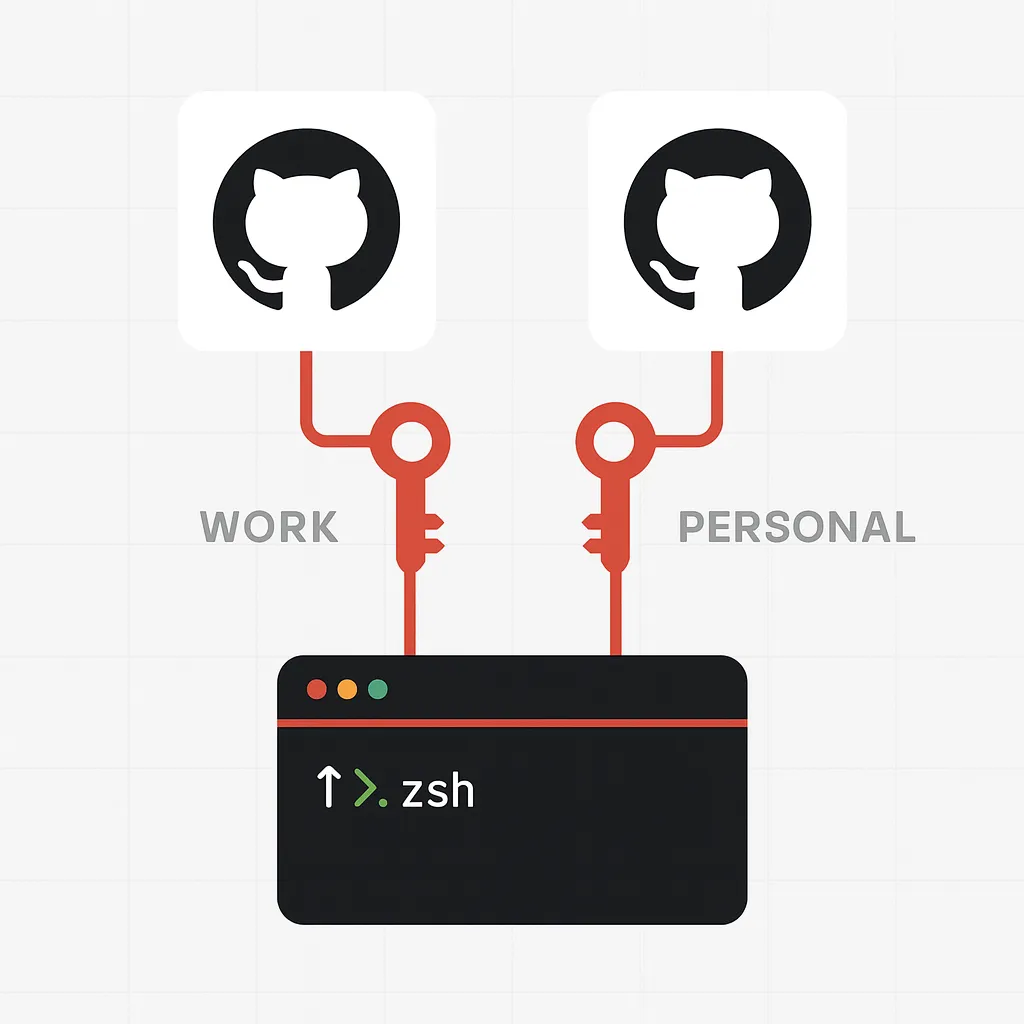
Note (2025): While the examples here are from 2021, they remain very relevant. OpenSSH and Git continue to support managing multiple identities via
~/.ssh/configandgitconfigconditionals. The Ed25519 algorithm is still the recommended key type for security and performance, though RSA remains widely used for compatibility.
Table of Contents
Open Table of Contents
Why multiple SSH keys?
It’s best practice to use one key per device, but in reality you may need more:
- One for personal projects
- Another for work repositories
- Possibly a third for client servers
Managing these can become cumbersome if you rely only on ssh-add. Every restart, you’d need to re-add keys and type passphrases again.
The better solution: automate key handling and specify which key to use per host using the SSH configuration file at ~/.ssh/config.
SSH Config Basics
The per-user SSH config lets you define host-specific settings.
Create the file if it doesn’t exist:
touch ~/.ssh/config
chmod 600 ~/.ssh/config
Also, ensure private key files have the right permissions (Linux/macOS):
chmod 400 ~/.ssh/id_ed25519Recommended Key Type: Ed25519
Introduced in OpenSSH 6.5, Ed25519 is compact, fast, and more secure than RSA (unless RSA is 2048+ bits).
Generate an Ed25519 key:
ssh-keygen -t ed25519 -C "your_email@example.com"Fallback (if Ed25519 unsupported):
ssh-keygen -t rsa -b 4096 -C "your_email@example.com"Example Configurations
Work key for GitHub (corporate):
Host github.com
  HostName github.com
  User github-corporate-user
  AddKeysToAgent yes
  UseKeychain yes
  PreferredAuthentications publickey
  IdentityFile ~/.ssh/id_ed25519
Personal GitHub key:
Host github-personal
  HostName github.com
  User github-personal-user
  UseKeychain yes
  PreferredAuthentications publickey
  IdentityFile ~/.ssh/id_ed25519_personal
  IdentitiesOnly yes
  AddKeysToAgent yes
Now you can:
ssh -T git@github.com
ssh -T git@github-personal
Git Remote Example
To clone using your personal key:
git clone git@github-personal:your-account/interesting-project.gitTo update an existing remote:
git remote set-url origin git@github-personal:your-account/interesting-project.gitGit Identity Management
Per-repo identity override:
git config user.name "Your Name"
git config user.email "your@email.com"
Or conditionally per directory (Git ≥ 2.13):
[user]
  name = Your Name
  email = your@email.com

[includeIf "gitdir:~/private/"]
  path = ~/private/.gitconfig
Where ~/private/.gitconfig contains:
[user]
  email = other@email.com
Advanced Per-Repo SSH Key Settings
Via environment variable:
GIT_SSH_COMMAND="ssh -i ~/.ssh/id_rsa" git clone git@github-corporate:company/project.gitOr safer:
GIT_SSH_COMMAND="ssh -i ~/.ssh/id_rsa -F /dev/null" git clone git@github-corporate:company/project.gitVia Git config (Git ≥ 2.10):
git config core.sshCommand "ssh -i ~/.ssh/id_rsa -F /dev/null"Wrap-up
- Use Ed25519 for new keys.
- Manage multiple keys with ~/.ssh/config.
- Use IdentitiesOnly yes to force the right key per host.
- For Git identity, prefer gitconfig conditionals or per-repo overrides.
This setup scales cleanly across personal, work, and client projects.