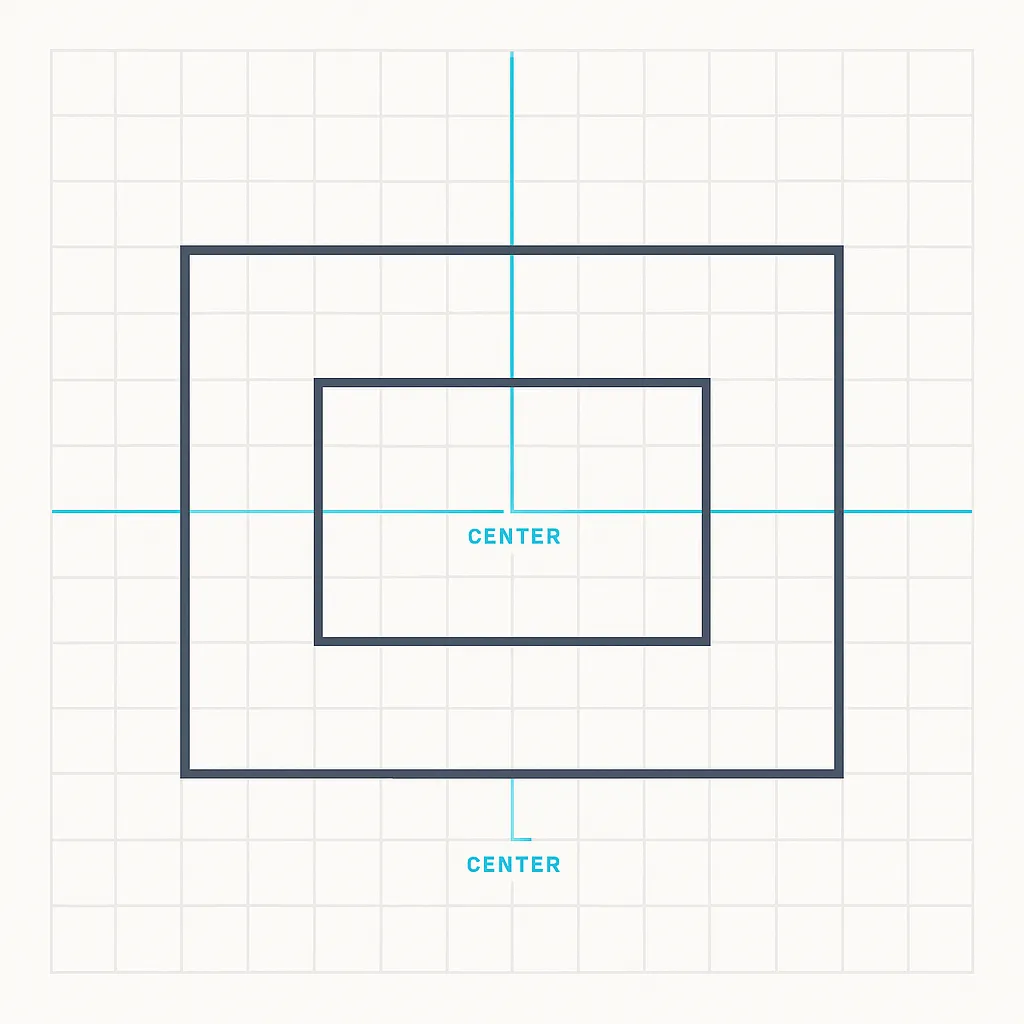
Centering elements in CSS has always been a recurring challenge. Back in 2011, one reliable way to center a fixed-width / fixed-height element was to use absolute positioning and negative margins. The parent container needed position: relative for this to work.
div {
  position: absolute;
  top: 50%;
  left: 50%;
  width: 400px;
  height: 300px;
  margin-top: -150px; /* 1/2 of element height */
  margin-left: -200px; /* 1/2 of element width */
}
This technique does the math for you: move the element to the center with top: 50% and left: 50%, then nudge it back by half its height and width with negative margins.
Modern Alternatives (2025)
Today, there are simpler and more flexible ways to center elements in CSS:
Flexbox
.container {
  display: flex;
  justify-content: center;
  align-items: center;
}
CSS Grid
.container {
  display: grid;
  place-items: center;
}
Transform (works even if size is dynamic)
div {
  position: absolute;
  top: 50%;
  left: 50%;
  transform: translate(-50%, -50%);
}
These methods don’t require knowing the element’s width or height in advance, which makes them far more adaptable.
Wrap-up
- The negative margin trick was a useful hack in the days before Flexbox and Grid.
- For modern layouts, prefer Flexbox or Grid (cleaner, responsive, easier to maintain).
- The transform method is a middle ground when using absolute positioning with unknown dimensions.